I read or saw something that showed how you can use a conveyor belt printer with a normal slicer by orienting the model just so. Also, since Creality is launching such a printer, I would think better slicer software is on the horizon.
Its not buggy for sure. Naomi spend several month and build the first kit herself to see where issues are and where not. The build the 3d printing nerd was doing looked very solid. She made several videos on the project.
The main issue is you need to twist your thinking about how the model is placed and where you need support. I guess that is the hardest part. It is even planned to add belt slicing to the official cura repository.
In this video he says it has several problems with blackbelt cura
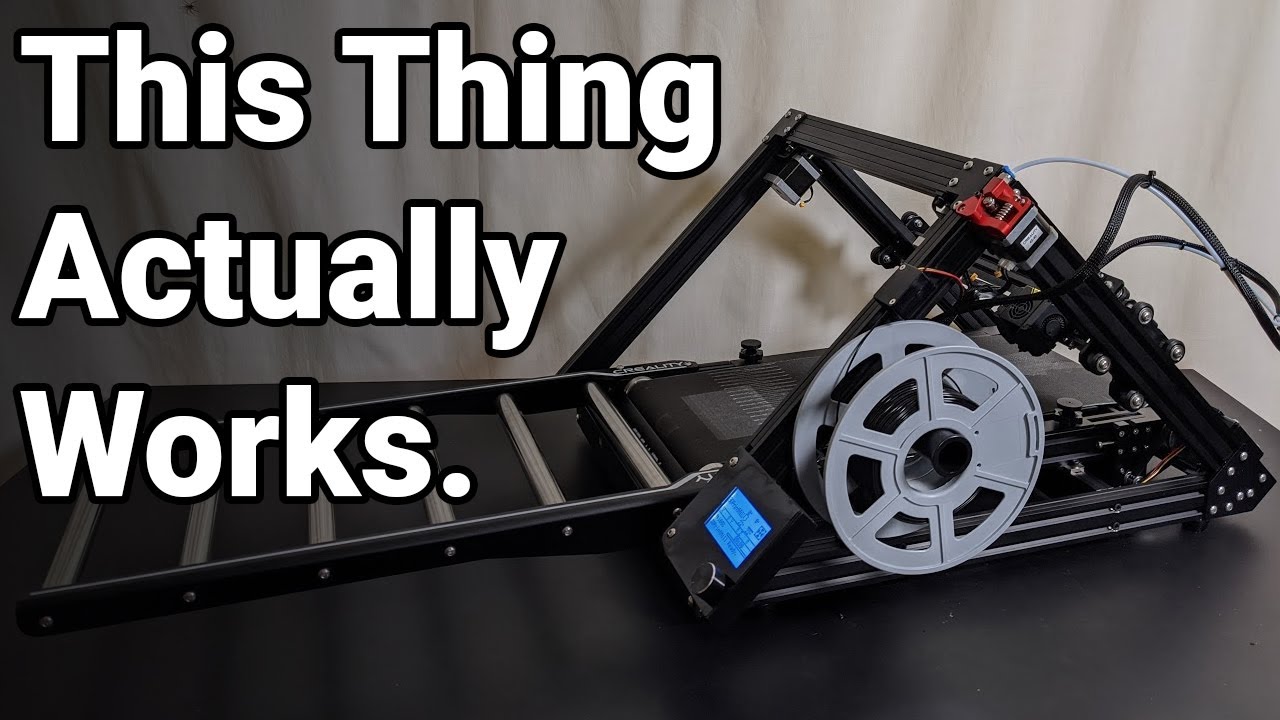
Check out 9:20 in the video
Well, it just appeared on Kickstarter, which means this is not the final product. The cura is not even up to date.
These “life” or “first impressions” videos usually have bad results. That is one reason I don´t like them. 3D Printing Nerd has a printer in his live show and admitted himself that the hole printer setup, kids in studio situation has made him not acting at his best. He checked the printer and found all the issues, he learned how to use it and he did not notice when printing life and the result was fine.
On the video you linked there is a successor, too. The problem is that noone looks at them after seeing such a “failed” first impression. In this video a complete different story gets told:
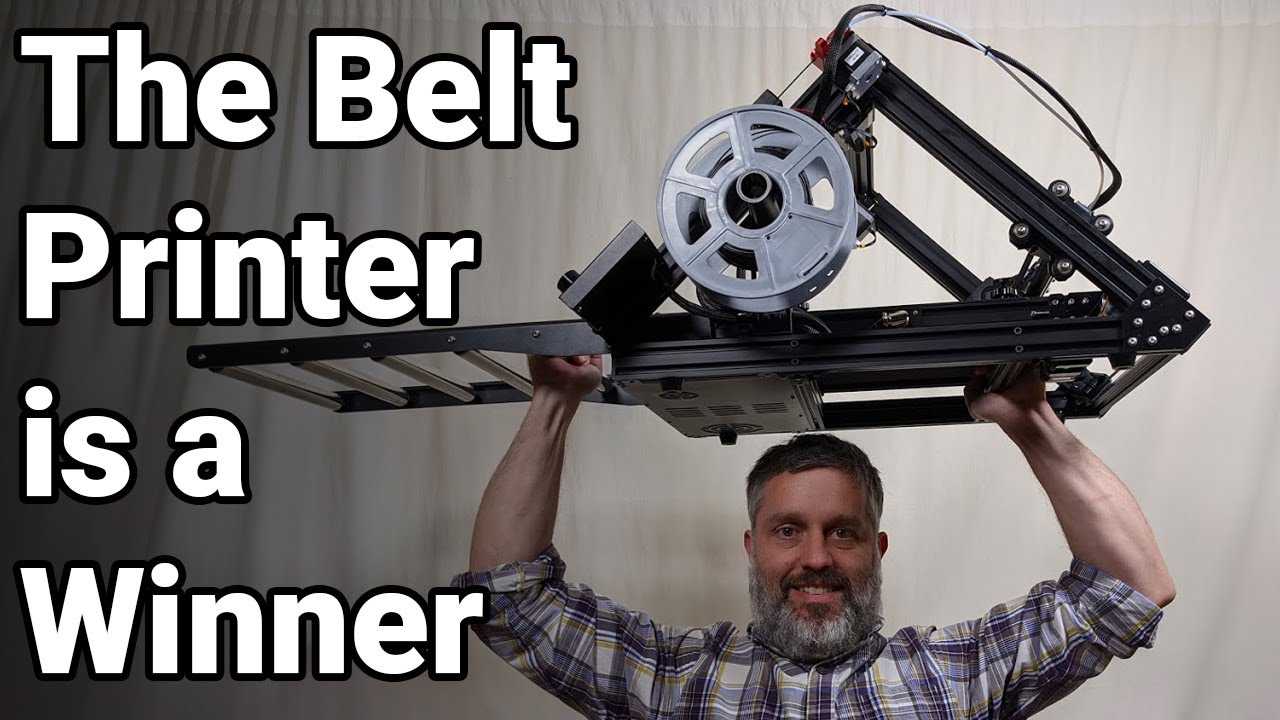
Check the beam he prints and the bed adhesion.  I think the bending is coming from him not using the roller extension, but leaving the print in the air at the end.
One can argue about the loud fans used in printers, but well everyone wants cheap printers and fans can be cheap or expensive. I personally don´t care as my printers have their own room.
Yea any new software is going to be somewhat buggy. That’s the nature of the beast. Takes many eyes many hours to get it where most people like it and even then there’s always going to be ones that don’t. Will take time both for the hardware and software. I knew going in that the printer i selected to learn on was going to need updates and fixes. I knew i would most likely want a different printer. At this time i’m still learning about them. Most likely will be learning for some time to come about all the different aspects of 3D printing.
Will most likely will always be learning about them. There’s a lot to learn.
If I can do it anyone can.
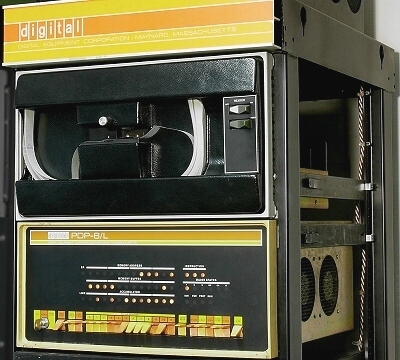
I think I have you all beat, which probably means I am the oldest. I studied computer science in the first computer science graduating class at Washington University in St. Louis, back in the days of the dinosaurs. While my first programs were punch cards on an IBM 360 the first computer I was upfront and personal with was a DEC PDP-8 with paper tape. Yes, the programs were stored on paper tape with punched holes. The terminal looked like a telegraph machine and output on a roll of paper. A bit later the PDP-8 in the university lab I was in was updated to “DEC TAPE”. These were small reels of magnetic tape where the tape was about the width of an 8 track. The unique feature of “DEC TAPE” was that it was addressable and you using it like a very, very slow disk drive.
[ATTACH=JSON]{“data-align”:“none”,“data-size”:“full”,“title”:“pdp-8L.jpg”,“data-attachmentid”:6584}[/ATTACH]
You had the option of toggling in machine code directly from the front panel on the PDP-8L which is shown above. This photo is from https://www.technikum29.de/en/computer/early-computers.php.
Sorry to burst your bubble Irv, but I used unit record machines in the days before the 360 came out. At 1 place there was a pretty large room where the outside wall was completely lined with cabinets that held drawers full of punch cards. In the open area of the room were a number of machines that processed the cards: a couple of programmable card sorters, a card punch, 2 chain line printers. Finallly, there was a “processor” machine. It was programmed, using banana plug boards, to read cards and make calculations based on the data. It would either print out the results, or punch new cards with the results on its dedicated card punch machine. The punch card drawers were interesting in that they were designed so they could attach to the card sorters and directly load the cards into the sorter. There were no tape machines that I recall. I don’t think they existed yet.
[ATTACH=JSON]{“title”:“microtronic.jpg”,“data-align”:“none”,“data-size”:“full”,“data-attachmentid”:6587}[/ATTACH]
This was my first computer. Kind of like the “modern” arduinos, just with less gpios and less everything.
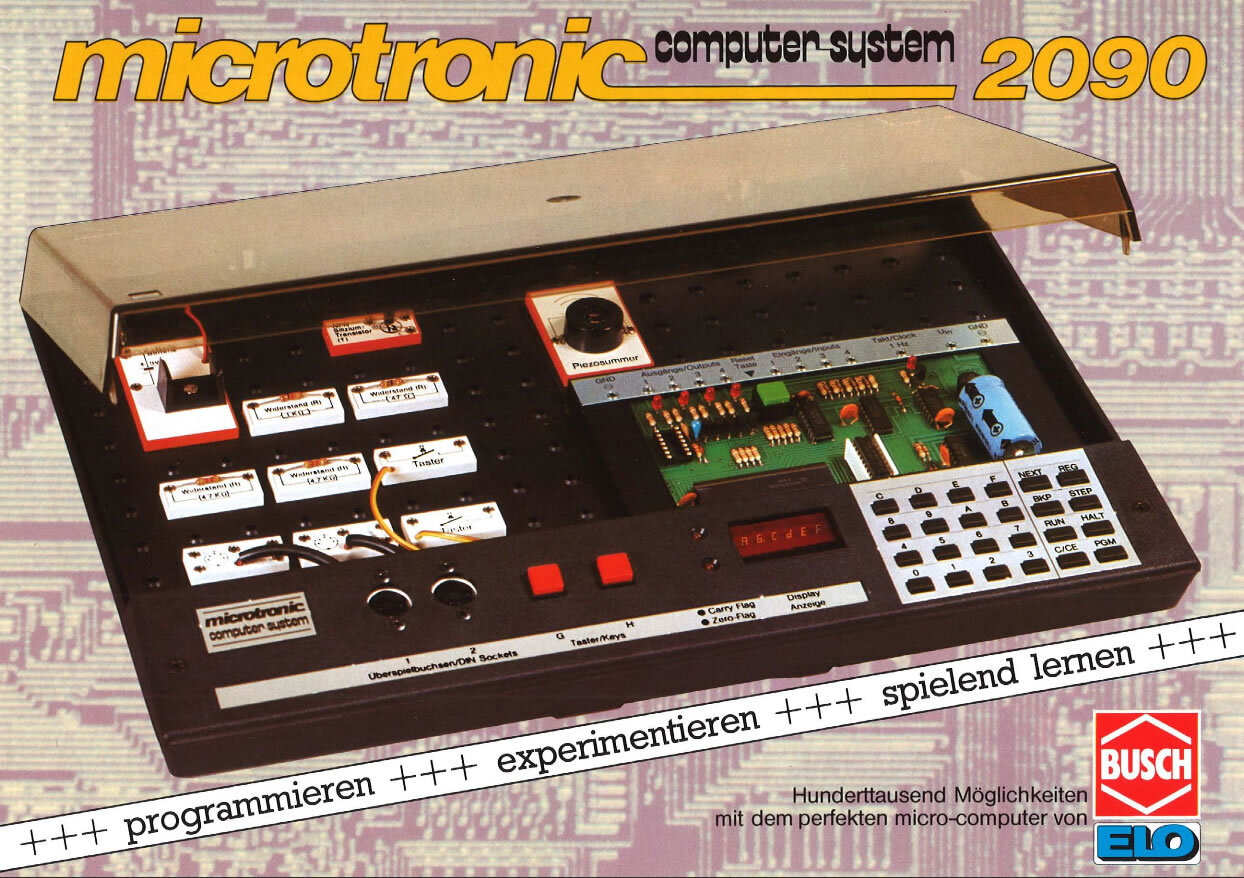
@Geit, it looks a lot like an electronics experimenting kit.
It is the computer for it. Just like arduinos are used today. 4 inputs, 4 outputs, a clock output and you could buy a “cassette interface”, which allowed to store your 768 byte programs to normal audio cassettes. It took ages to store and load them.
Busch sold electronics kits back than. I had (and have) a bunch of them. I used this computer to control my Märklin train set, so multiple trains could drive on the same track with different speeds.
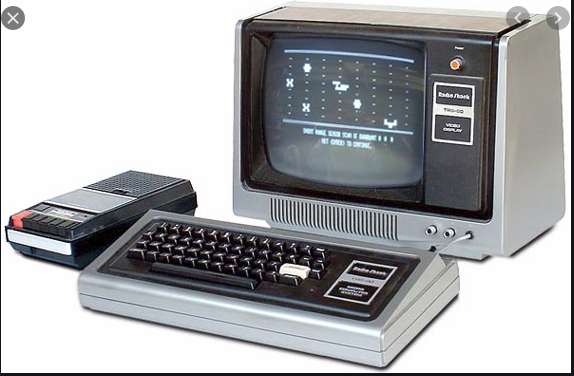
My first personnel computer was the TRS-80 model 1. Was in the Air Force in biloxi mississippi got the 2nd one that Radio Shack had in that city.
[ATTACH=JSON]{“alt”:“Click image for larger version Name: TRS-80.PNG Views: 0 Size: 254.3 KB ID: 6591”,“data-align”:“none”,“data-attachmentid”:“6591”,“data-size”:“full”,“title”:“TRS-80.PNG”}[/ATTACH]
I remember when they came out with the expansion chassis for it. It allowed me to upgrade to a 360 k floppy disk drive. Thought I’d died and gone to heaven. And it upped the memory from 4k to 32 k ?
The good old days.